
Squonk Viz Forms and Curation

Tim Dudgeon 2026-11-20
POST
This post describes an important enhancement to Squonk Viz that allows you to curate your data using forms that can handle relational data.
Early versions of Squonk Viz allowed you to view your data, but didn’t let you edit it. We’ve now added some field types that are editable. Currently there are 3 types:
- boolean (true/false)
- categorical (e.g. High, Medium, Low)
- score (e.g. a score between 0 and 10)
The main purpose of this is to facilitate curation of your data, for instance, selecting compounds you want to purchase or ranking a series of compound for follow-up actions. You can add these fields using the Add list field … function in the Data Centre.
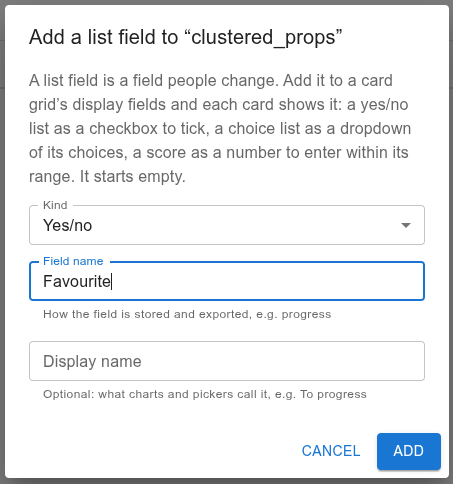
In our example we add:
- a boolean field named Favourite
- a score field (0 -10) name Score
To allow these fields to be edited we have added forms functionality that allows record by record display of data. A form is just a visual component that can use the selection in another component to filter or mark the records and allows you to control the layout of the data fields within the form.
In our example we choose the records to display in the form using the selection in a scatter plot to filter the form input and display the structure and some of its properties, including the ones we want to use for data curation.
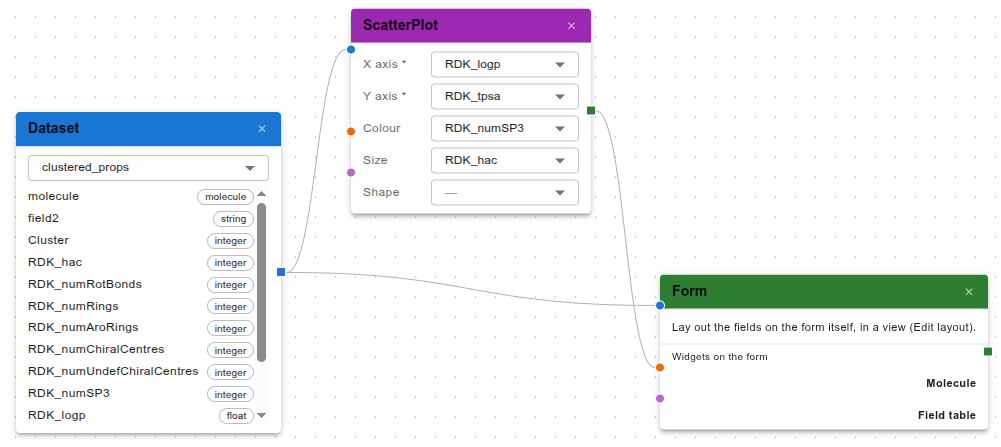
The result looks like this:
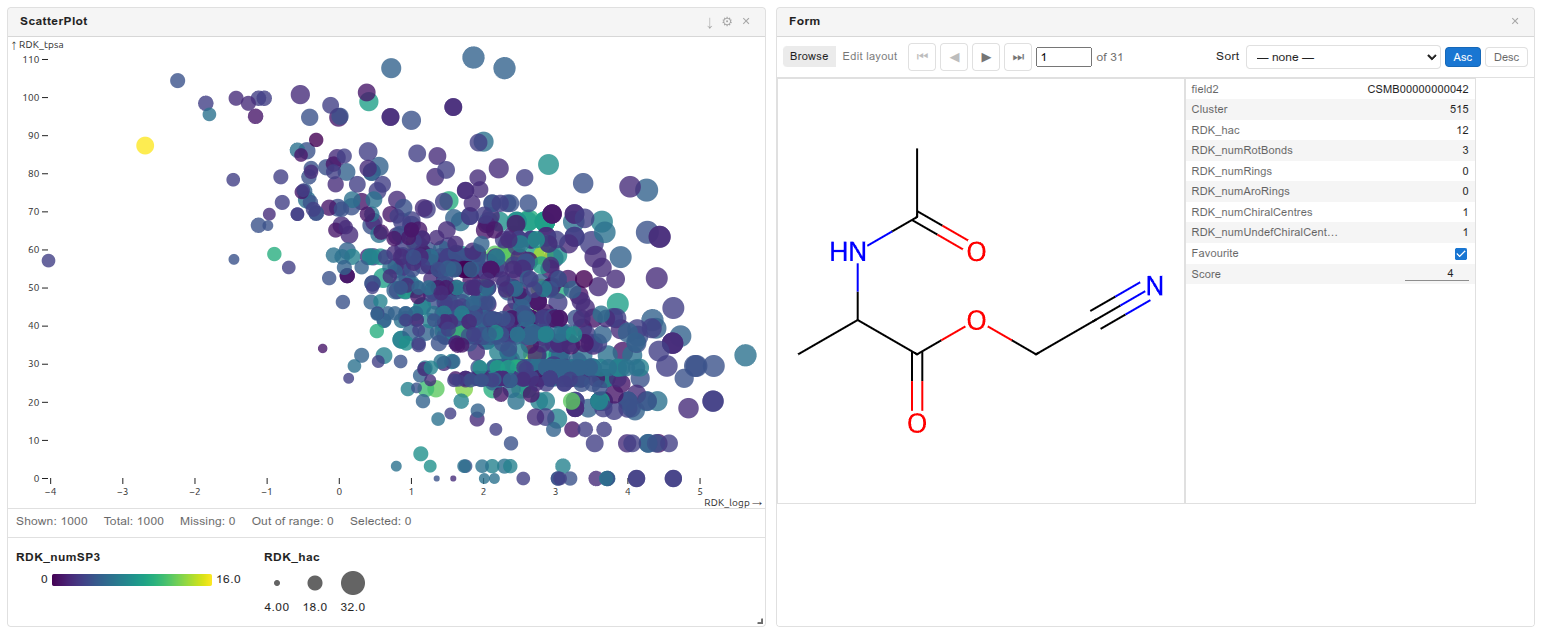
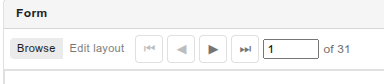
Note how you can navigate through the records:
If you look at the editable fields up close you can see how they work.

Editing data can also be done in other components where it makes sense, such as the MoleculeCardGrid component.
When data is edited using any of these approaches the changes are saved to the database and queries can be run to filter on the edited data e.g. show only records that have a score of 8 or more.
Forms also allow you to handle relational data e.g. a master compound record with multiple child activities records, but to best describe this we first need to describe Import Services which is the easiest way to generate relational data, and we’ll do that in another post.
You can access Squonk here.
latest posts
by year
2026
2024
2023
2021
2020
Fragment Network REST API Cookie-cutting Ansible Kubernetes Projects Deploying container images from a private GitLab registry Fragment network basics Fragment network intro Redirecting to www with an nginx ingress Installing Kubernetes with Pharos Virtual screening for SARS-Cov-2 main protease inhibitors
2019
2018
by category
Blog
Containers
Software design
Automation
AWS ParallelCluster v3 Custom Images Migrating to AWS ParallelCluster v3 Kubernetes object linting with popeye GitHub Actions for container images Cookie-cutting Ansible Kubernetes Projects Installing Kubernetes with Pharos Building machine images with Packer Python and the Jenkins API Applying the build process to the deployment
IaC
Docking
Fragment network
Kubernetes
Kubernetes PreStop Lifecycle Hooks A kubernetes volume replicator Fixing a broken etcd cluster Kubernetes object linting with popeye Cookie-cutting Ansible Kubernetes Projects Deploying container images from a private GitLab registry Redirecting to www with an nginx ingress Installing Kubernetes with Pharos
Web
Ansible
Python
Squonk